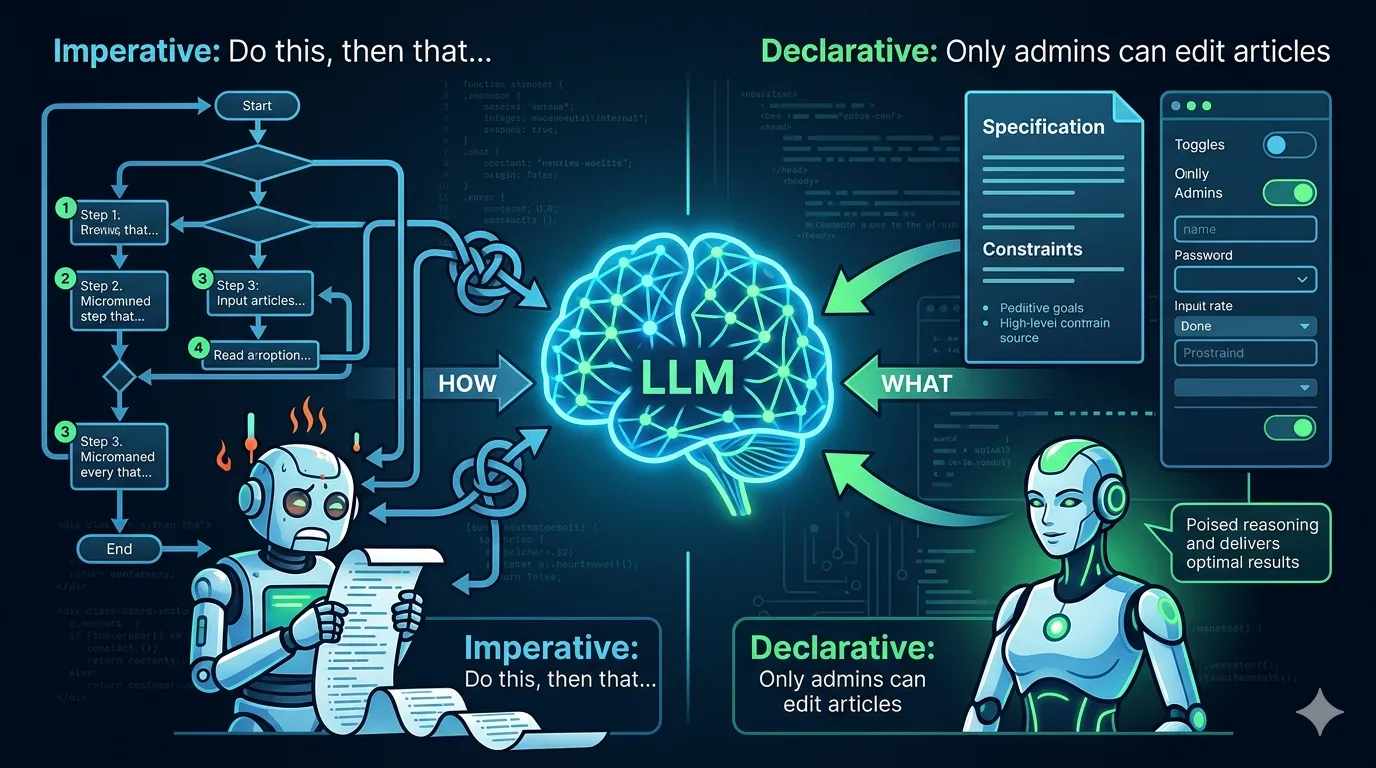
Most developers using Claude Code treat it as a very smart autocomplete. They type a prompt, get some code, and move on. But the real power unlock happens when you start building tools for the agent — extending what it can do rather than just asking it to write code for you.
I've been spending a lot of time lately thinking about this, especially after reading Anthropic's engineering blog on writing effective tools for agents. Building tools for AI agents requires fundamentally rethinking how we design software interfaces. You're not writing an API for a human developer anymore. You're writing one for a non-deterministic system that reads documentation, makes decisions, and occasionally gets confused.
Agents don't use tools the way you do
When I build a REST API or a Ruby gem, I think about the developer who will read the docs, understand the data model, and write integration code. That developer has state in their head — they remember what they did three API calls ago.
An AI agent doesn't work that way. It operates within a context window, and every token it reads is one less token it has available for reasoning. Anthropic's team illustrates this well: imagine asking an agent to look up a contact in an address book. A traditional program would iterate through entries efficiently. But an agent has to read each entry token by token, burning through its context window on irrelevant data.
If your tool returns a 500-line JSON response when the agent only needs three fields, you're wasting the agent's most precious resource: attention.
The MCP ecosystem changed everything
The Model Context Protocol (MCP), which Anthropic open-sourced in late 2024, has become the standard for connecting AI agents to external tools. Since then, OpenAI adopted it across ChatGPT, Google confirmed support for Gemini, and the protocol was donated to the Linux Foundation's Agentic AI Foundation in December 2025. It's no longer an Anthropic thing — it's an industry thing.
For Claude Code specifically, MCP servers are how you give the agent access to your databases, APIs, internal tools, and custom workflows. There are two main transport types: HTTP servers for remote/cloud services and stdio servers for local processes that need direct system access.
There are MCP servers for GitHub, PostgreSQL, file systems, and hundreds more. And here's where it gets interesting for us as developers: you can build your own.
In fact, this very blog runs on a custom MCP server. It exposes a handful of tools — create_article, publish_article, list_categories, search_articles — that let Claude Code manage the entire content workflow. This post you're reading right now? I wrote the draft, asked Claude to add documentation links and publish it, and it did — creating the article, assigning the category, and setting the publication date, all through MCP tool calls. No admin panel, no browser, no copy-pasting into a CMS. Just a conversation in the terminal.
That's a concrete example of what I mean by building tools for the agent rather than asking it to write code for you. The MCP server for this blog is a small Rails API — about 7 endpoints — but it turns Claude Code into a full publishing assistant.
Fewer tools, smarter tools
One of the most counterintuitive lessons from working with agent tooling is that more tools is not better. Anthropic's engineering team recommends implementing fewer, more thoughtful tools that target high-impact workflows rather than wrapping every API endpoint.
Think about it from the agent's perspective. Every tool you expose adds to the decision space. If you give an agent 50 narrow tools, it has to figure out which combination to use and in what order. If you give it 10 well-designed tools that handle common workflows end-to-end, it can get things done in fewer steps with less room for error.
This is something I've experienced firsthand building tools. My first instinct was to create granular tools — one to list users, another to fetch a specific user, another to update a field. But consolidating those into higher-level operations like find_and_update_user or generate_user_report made the agent dramatically more effective.
It's the same principle behind fat models in Rails: push the complexity down into the tool so the consumer (in this case, the agent) can stay focused on the task.
How to write tool descriptions that actually work
This might be the most underrated aspect of building agent tools. The description you give a tool is not just documentation — it's the primary interface the agent uses to decide when and how to call it.
Anthropic's recommendation is to describe tools as you would explain them to a new team member. Make implicit assumptions explicit. Use unambiguous parameter names (user_id instead of just user). Include what the tool does, when to use it, and what it returns.
I've found that even small changes to tool descriptions can have outsized effects on agent performance. Adding a single sentence like "Use this tool when you need to check if a deploy is safe to proceed" to a deployment tool's description cut misuse of that tool by the agent significantly.
Here's a pattern I follow for my tool descriptions:
What it does — A single sentence explaining the tool's purpose.
When to use it — Specific scenarios where this tool is the right choice.
What it returns — The shape and meaning of the response.
What it does NOT do — Boundaries to prevent misuse.
CLAUDE.md is your project's instruction manual for the agent
If you're using Claude Code and haven't set up a CLAUDE.md file in your project root, you're leaving a lot of value on the table. This file is essentially a briefing document that Claude reads every time it starts working on your codebase. It prevents the agent from having to rediscover your build commands, test runners, architecture patterns, and conventions every session.
In this blog's Rails project at alvareznavarro.es, the CLAUDE.md file includes the development commands (bin/dev, bin/rails test, bin/rubocop), the site structure, authentication approach, model relationships, and infrastructure details. It's not long — maybe 80 lines — but it saves an enormous amount of time and makes the agent's output far more consistent.
Think of it as an onboarding document for an extremely fast but forgetful developer who joins your team fresh every single day.
Custom slash commands and skills
Beyond MCP servers, Claude Code supports custom slash commands and skills through .claude/commands/ and .claude/skills/ directories. These are essentially prompt templates written in Markdown that you can invoke during a session.
The beauty of this approach is its simplicity. You write a Markdown file with natural language instructions, drop it in the right folder, and suddenly your agent has a new capability. Need a command that generates a migration following your team's conventions? Write a .claude/commands/generate-migration.md file that describes exactly how you want it done.
Skills add an extra layer with YAML frontmatter that controls when Claude automatically invokes them. This means you can create tools that trigger based on context — the agent recognizes when a skill is relevant and uses it without you having to explicitly call it.
Design for token efficiency
Every response your tool generates costs tokens, and tokens cost both money and, more importantly, context space. Some practical guidelines:
Return only what's needed. If your tool fetches user data but the agent only needs the name and email for the current task, consider offering a response_format parameter that lets the agent choose between a concise and a detailed response.
Use meaningful identifiers. Return jorge-alvarez instead of a1b2c3d4-e5f6-7890-abcd-ef1234567890. When the agent needs to reference this entity later, a human-readable slug is far less likely to cause errors than a UUID the agent has to copy perfectly.
Implement sensible defaults for pagination. Don't return 10,000 records when the agent probably needs the first 20. Anthropic suggests capping responses at around 25,000 tokens for Claude Code.
Make errors actionable. Instead of returning Error 422, return "The user email is already taken. Try searching for the existing user with find_user(email='...')". Give the agent a path forward.
The eval loop: how to actually improve your tools
One thing that struck me from Anthropic's approach is how seriously they take evaluation. They don't just build a tool and ship it. They generate realistic test scenarios, run them programmatically, track metrics beyond simple accuracy (runtime, token consumption, error rates), and iterate.
You can adopt a lighter version of this. After building a tool, try using it with Claude Code on real tasks from your daily work. Pay attention to when the agent picks the wrong tool, when it calls a tool with incorrect parameters, and when it asks for clarification it shouldn't need. Each of these is a signal that your tool's interface needs refinement.
A structured approach to measuring tool quality — even if it's just a spreadsheet tracking success rates across a dozen test prompts — will teach you more about agent-tool interaction than any blog post (including this one).
The bigger picture
One analysis of open-source pull requests found that structured AI development with MCP servers and project-scoped configuration produced significantly fewer defects and security vulnerabilities compared to ad-hoc approaches. The exact numbers will vary across teams, but the direction is clear: giving agents well-designed tools leads to better outcomes than just letting them freestyle.
We're moving from a world where AI assists with code completion to one where AI agents orchestrate entire development workflows. The developers who learn to build good tools for these agents will have a significant advantage — not because the tools are hard to build, but because the design thinking required is genuinely different from what most of us are used to.
The good news is that if you already care about clean API design, good documentation, and thoughtful abstractions, you're most of the way there. The shift is in empathy: instead of designing for a human developer reading your docs, you're designing for an agent that reads your descriptions, makes decisions based on them, and occasionally needs to be steered back on track.
Start small. Pick one repetitive workflow in your development process, build an MCP server or a custom slash command for it, and see how Claude Code handles it. Iterate from there. That's how I started — a simple MCP server so I could publish blog posts from the terminal — and it's changed how I think about developer tooling entirely.